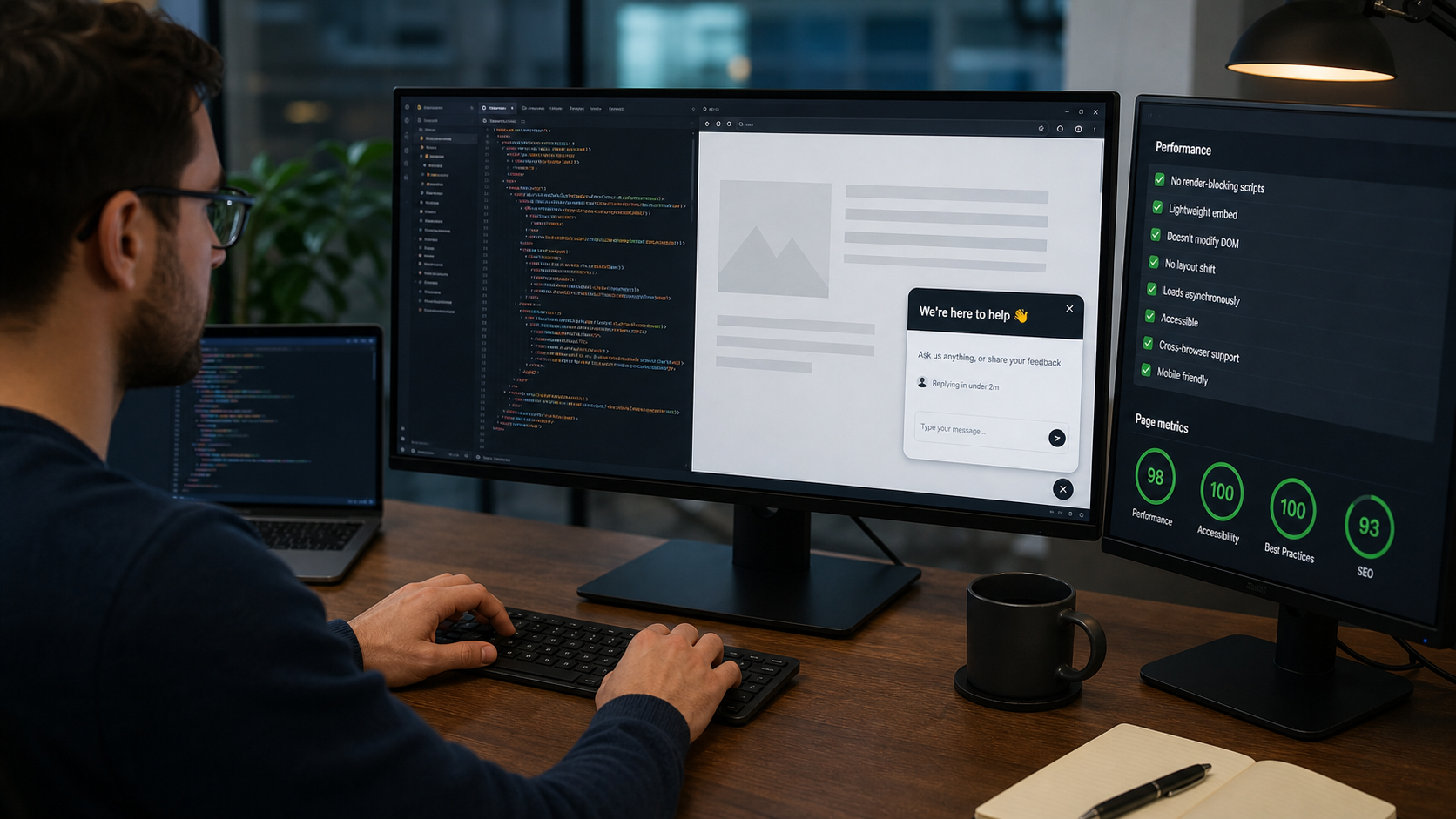
You should not need a redesign to add an AI chatbot widget to a site. Oxidesk publishes a single script tag. Paste it before the closing </body>, and the bubble uses the accent color, corner, greeting, and starter questions from your dashboard.
What the embed should never do
A support widget that blocks rendering, leaks global CSS, or ships a huge bundle will get ripped out by the next performance review. The Oxidesk loader is deferred, isolates styles, and fails quietly if a network request stalls.
Brand it like the rest of the site
Set the display name, greeting language, and primary color in the bot settings. Visitors should feel they are talking to your company, not to a generic template bot.
Test on the demo page first
Each widget has a hosted demo URL so you can share a link with colleagues before touching production HTML. Conversations started there still land in the Oxidesk inbox, so you can judge answer quality on real questions.
Then go live on the real domain
Restrict allowed domains if you want the widget to run only on your storefront. After go-live, watch knowledge gaps for a week — they tell you which page or PDF to add next.
Copy the snippet from Embed & Share after you create an assistant at oxideskai.com.
Super Admin
Head of Customer Education at Oxidesk